Was this helpful?


Use this guide when you want to move pathUSD from your public Tempo balance into Zone A. You will submit a public-chain deposit first, then wait for Zone A to credit the net amount after fees.
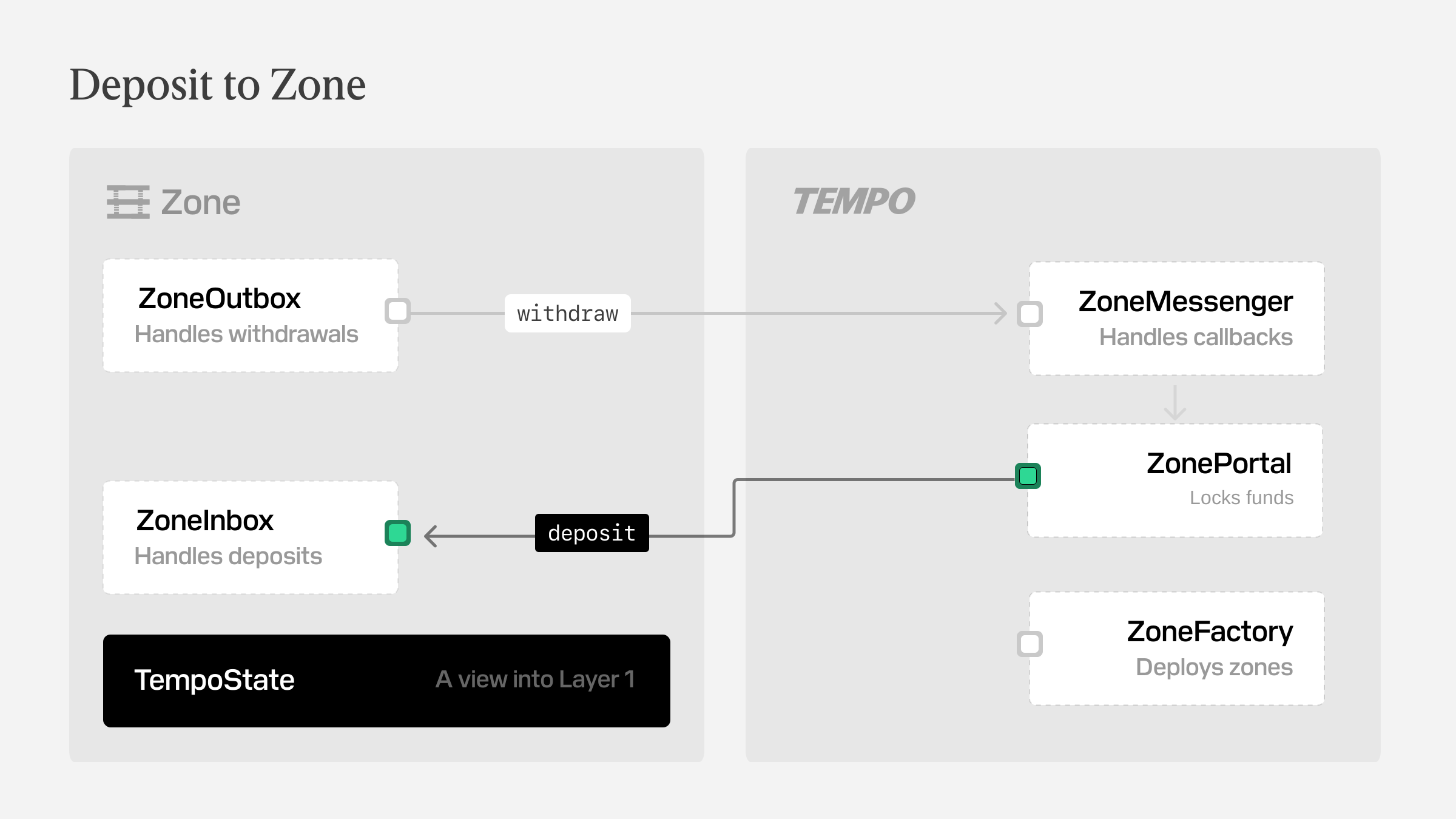
The deposit is accepted through ZonePortal on the public chain. You need private zone authorization to read the resulting zone balance, because those reads are only exposed to the authenticated account.
By the end of this guide you will have deposited pathUSD into Zone A and confirmed the balance update.
These snippets assume you already have a signed-in rootClient on the public chain and the usual token and zone constants in scope.
Use the plaintext flow when revealing the recipient and memo is acceptable. Use the encrypted flow when only the zone sequencer should be able to read those fields.
A zone deposit settles in two phases.
First, you submit a public Tempo transaction depositing to the ZonePortal. The Zone Portal contract locks the token, deducts the deposit fee in the same token, and records the net deposit in its deposit queue. Later, the zone sequencer processes that queue and credits the recipient inside the zone.
That means your public transaction receipt and your zone balance do not update at the same time. The Tempo transaction confirms that the deposit request was accepted. The zone balance changes only after the zone has processed that deposit, and it reflects the post-fee amount rather than the full amount you passed into deposit(...).
Deposit mode
Plaintext reveals both the recipient and memo of the deposit, while encrypted only lets the sequencer see those details.