Was this helpful?


Use this guide when you want to move pathUSD out of Zone A and back to your public Tempo balance.
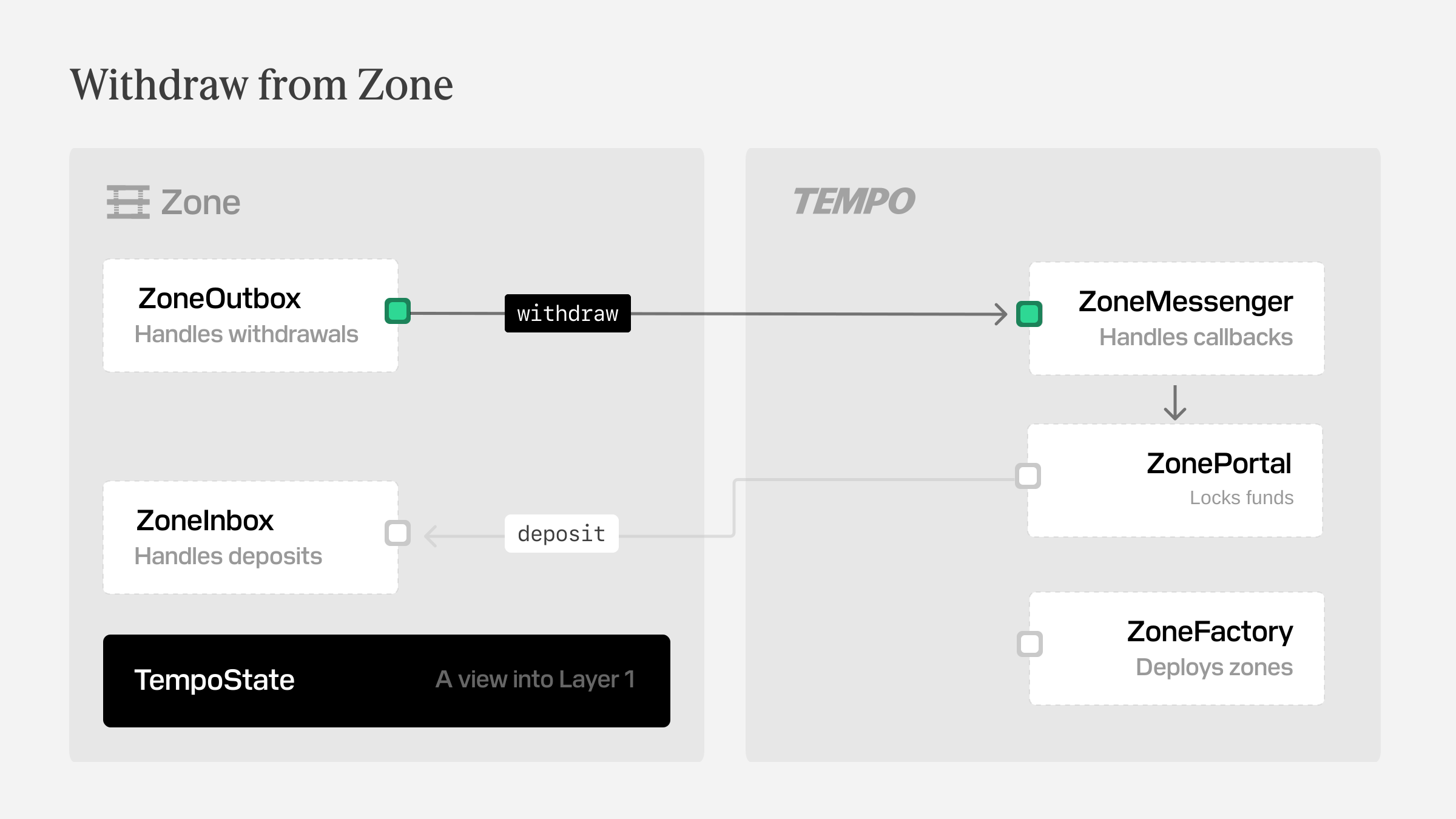
Direct withdrawals exit through ZoneOutbox on the zone chain. You submit the withdrawal request in the zone first, then wait for the public balance to increase after the batch settles.
By the end of this guide you will have withdrawn pathUSD from Zone A and confirmed the balance update on the public chain.
These snippets assume you already have a signed-in rootClient on the public chain, a derived zoneAClient, and the usual token constants in scope.
Use the plaintext flow when normal withdrawal visibility is fine. Use the authenticated flow when the sender details should only be revealed to the holder of a revealTo public key.
A direct withdrawal is the simplest way to exit a zone. You ask ZoneOutbox on the zone to burn the zone balance, include the request in the next withdrawal batch, and settle the amount back to a public Tempo address.
Like deposits, withdrawals settle in phases. The request is accepted on the zone first, and the public balance changes later when the sequencer submits and processes the corresponding batch on Tempo.
If Tempo-side processing fails, the withdrawal does not stay stuck in limbo. The protocol re-deposits the withdrawal amount back into the zone to the request's fallbackRecipient. The fee is still consumed.
Withdrawal mode
Standard withdrawals reveal the sender of the withdrawal, while authenticated withdrawals only reveal sender details to the holder of the reveal key.